Tip of the Week: Get the Best Out of Our Knowledge Base


TimeSolv’s Knowledge Base is there for users that require self-serve customer service. So, if you’re struggling with understanding how anything in our app or services works, or if you just want a significant customer experience, it’s time to nose dive into our Knowledge Base. It’s a great way to help our users to find answers on their own.
We cover a wide array of help topics and have over a hundred articles to help you. There are different types of help formats available:
- User guides – Task-specific walkthroughs.
- Screen overview – Provides an overview of each field’s significance under different screens, such as the Draft Invoices screen, or the Time Entry screen.
- Topic overviews – An explanation of how certain processes work in TimeSolv, such as payments or refunds.
- FAQ’s – Core basic user experience induced answers.
- Video tutorials – Video walk-throughs of how to complete specific tasks or an overview of specific screens with voice overs.
- Release Notes – A list of our most recent enhancements, new features, and bug fixes.
What’s more, we hold a number of training sessions every week/month to improve your efficiency and productivity when using our services:
- Wednesday Webinar – We hold a webinar every second Wednesday of the month for tips and tricks to get the most out of TimeSolv.
- Weekly Essentials Training – To learn the essentials of TimeSolv. This session is for new users of TimeSolv to learn the fundamentals of how to set-up their account and get the most out of the software.
- Weekly Timekeeper Training – To learn how to create Time and Expense entries.
- Weekly Invoice Training – To learn how to create Invoices and enter Payments.
- Weekly Payments Training – To learn how to enter Payments, Trust, and Allocations.
Users can also access in-app help either by clicking on the top-right ‘Help’ button which will open the Knowledge Base into a new tab.

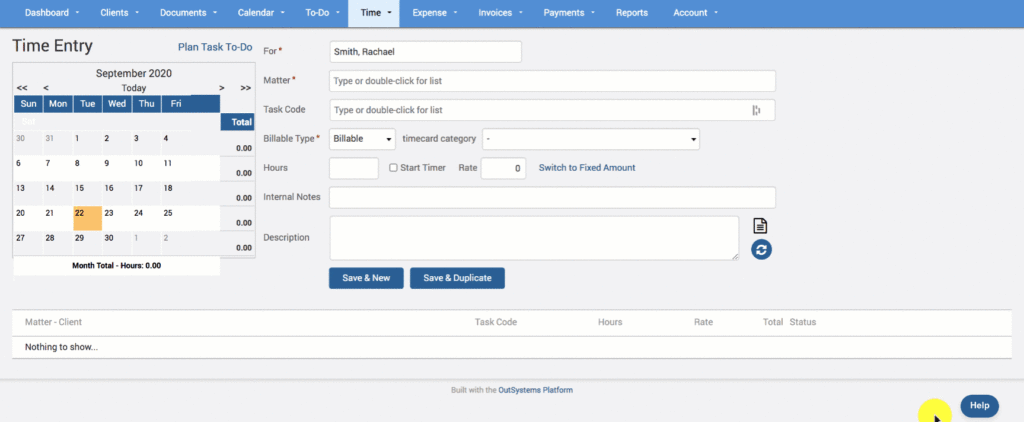
Or, click on the bottom right ‘Help; bubble to see a list of help articles relevant to the screen you’re accessing it from. So from the Time Entry screen, you’ll see a list of Time Entry related articles. If you don’t see what you’re looking for, use the search bar to search for other topics, and view the articles and videos within the app.
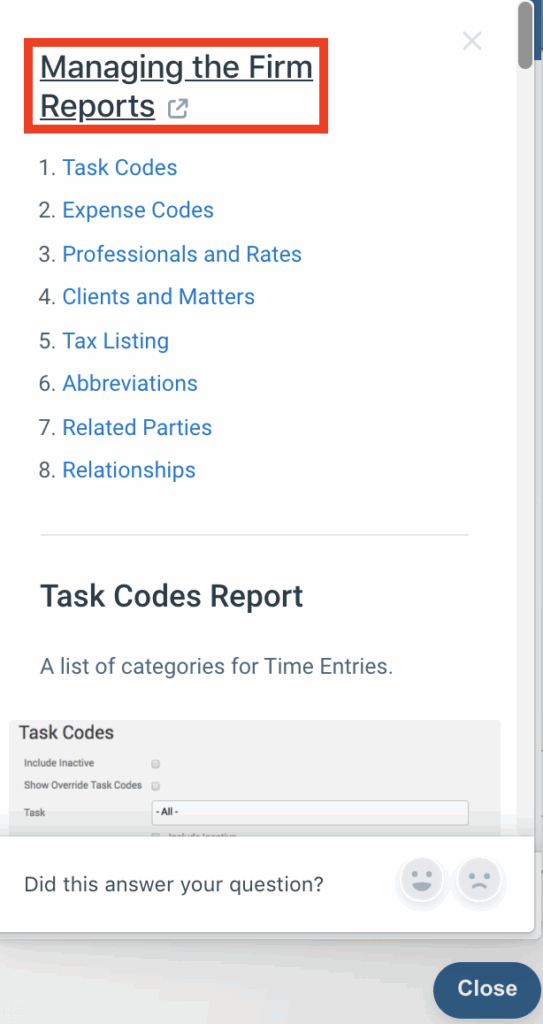
Click on the help article title if you wish to view it full-sized in a new window.
If you’d like to contact TimeSolv support for help, please call 1.800.715.1284 or Contact support!
wherever you do.
TimeSolv in action.





