LEGAL TIME TRACKING & BILLING SOLUTION
INCREASE YOUR BILLABLE HOURS
For two decades we’ve provided the best web-based billing solution for attorneys and other professionals.
Not a Law Firm? Try TimeSolv Pro


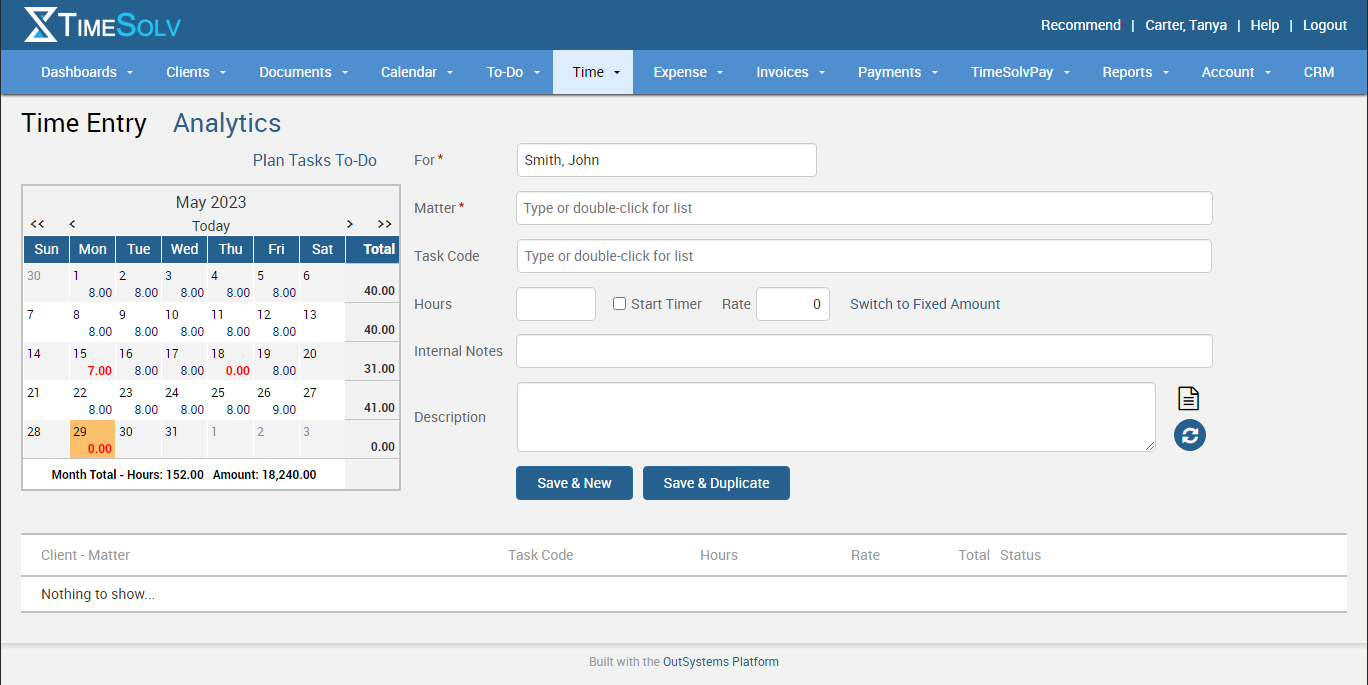
Experience How Easy TimeSolv has Made Time Tracking
We can’t wait to show you more










Bar Association Approved














Recognized by Independent Experts






Modern Family Law Case Study
Learn why thousands of Law firms are switching to TimeSolv
When Modern Law moved to TimeSolv for their time and billing software, they immediately asked about moving to automating the replenishment of the retainer by having clients post a credit card or ACH information on file with them. They can then automatically run that credit card or ACH payment to replenish the retainer.
“We send out hundreds of invoices each month and it was time-consuming to run a payment on those invoices one at a time.”

TimeSolv Has Solutions
For Your Legal Practice Challenges

Clients Don't Pay Invoices

Tracking time takes too long
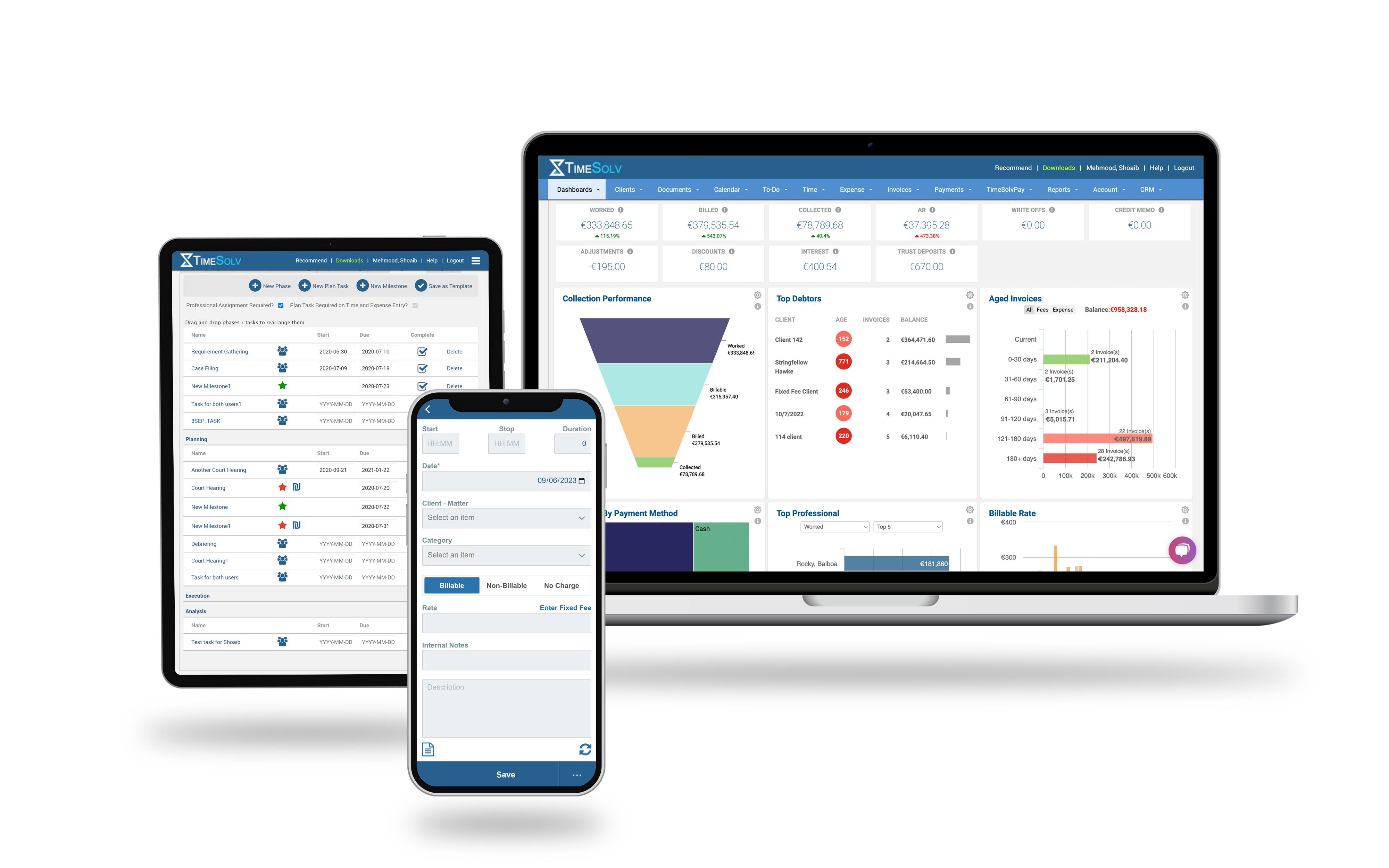
With multiple ways to track time, on and offline, your pain is over

Difficulty customizing invoices
Flexible billing templates allow you to show what you want, how you want


Creating budgets is a struggle
Create phases and tasks for your matters and let the budgeting begin!

Staff should easily see daily tasks
We agree! See daily to-do lists and know exactly what you’re accomplishing today

Billing performance isn’t tracked
Illuminate your firm’s progress with our dynamic dashboards and gain insight into your key metrics instantly.
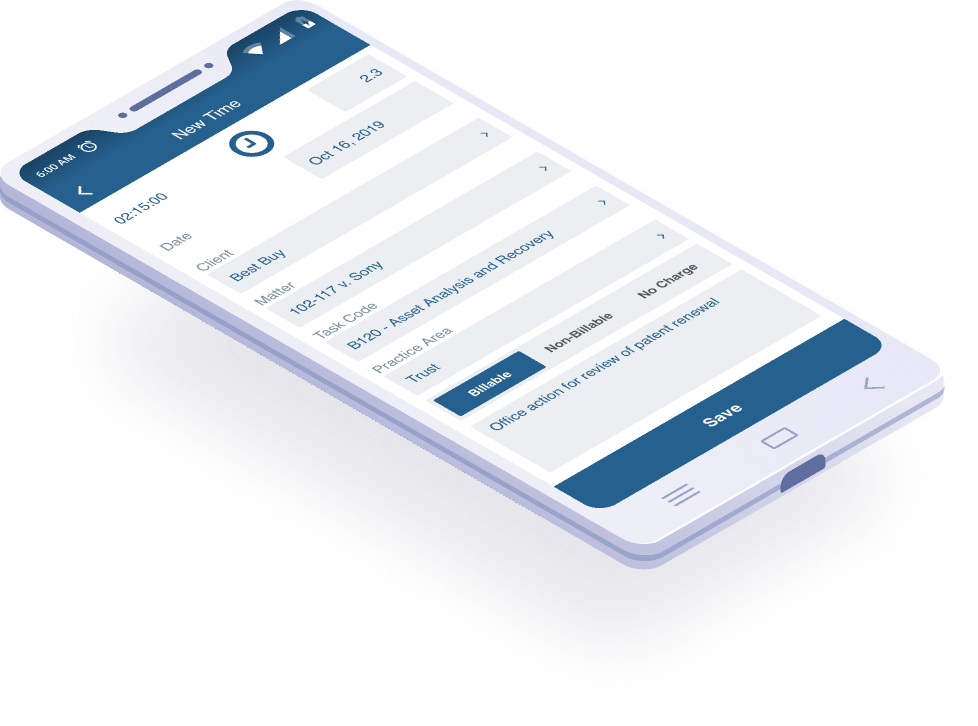
Track Time and Expenses While on the Go


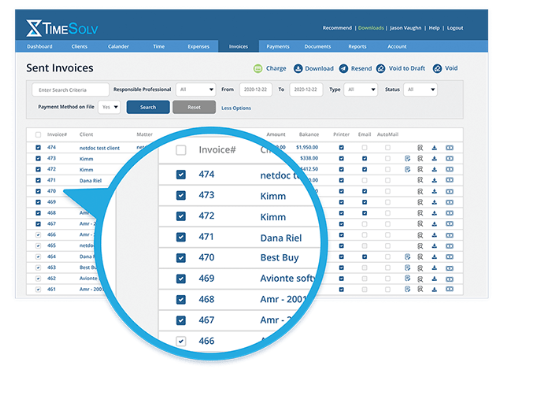
Accelerate Payments & Reduce A/R (to Zero!)–with TimeSolvPay
Improve your cash flow with TimeSolvPay’s best-in-class credit card & ACH processing.
Get paid faster when you process client payments automatically using stored credit card/ACH data & preauthorizations. The integrated portal with your invoicing software provides air-tight security, unparalleled convenience, and complete transparency — for you & clients.
No monthly fee. No hidden costs. Plus, you’ll benefit from some of the industry’s most competitive processing rates.
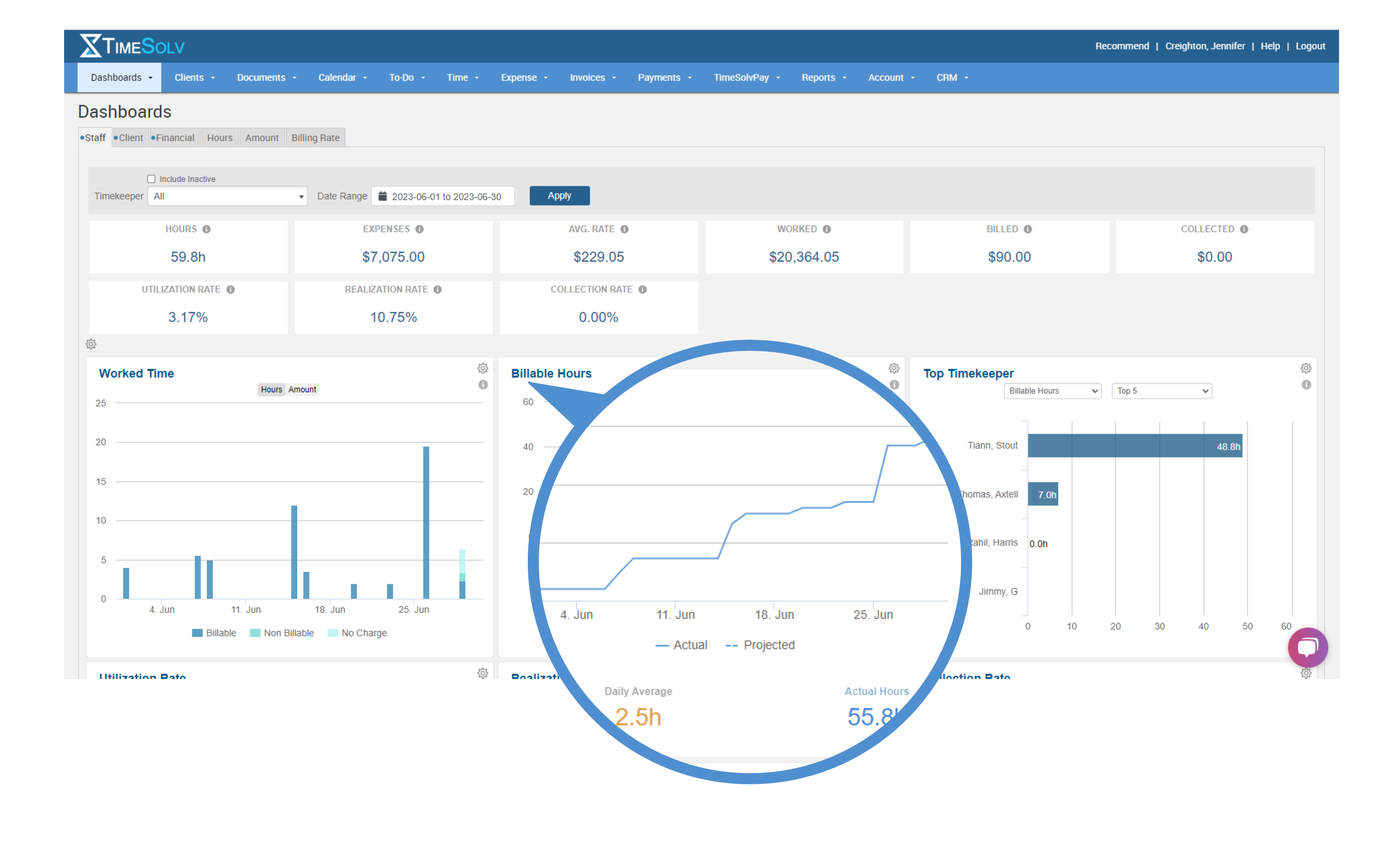
Boost Efficiency & Gain Insights with Dynamic Dashboards
liminating the need to search through multiple reports.Whether you want to monitor individual timekeepers’ productivity or track the progress of specific matters, TimeSolv’s dashboards empower you to keep a finger on the pulse of your practice effortlessly.
Data Security
All your data secured in the cloud and backed up every 10 minutes to 2 different locations.
With over 20 years in business, we’ve earned the trust of thousands who use our product. The security and reliability of our clients’ data is our top priority. Highly encrypted 256-bit SSL is used for data transmission between your browser and our data center.
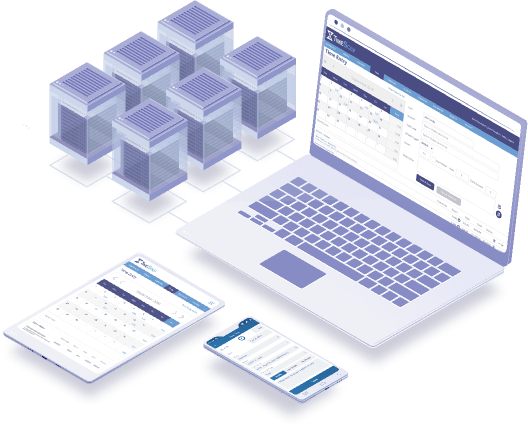
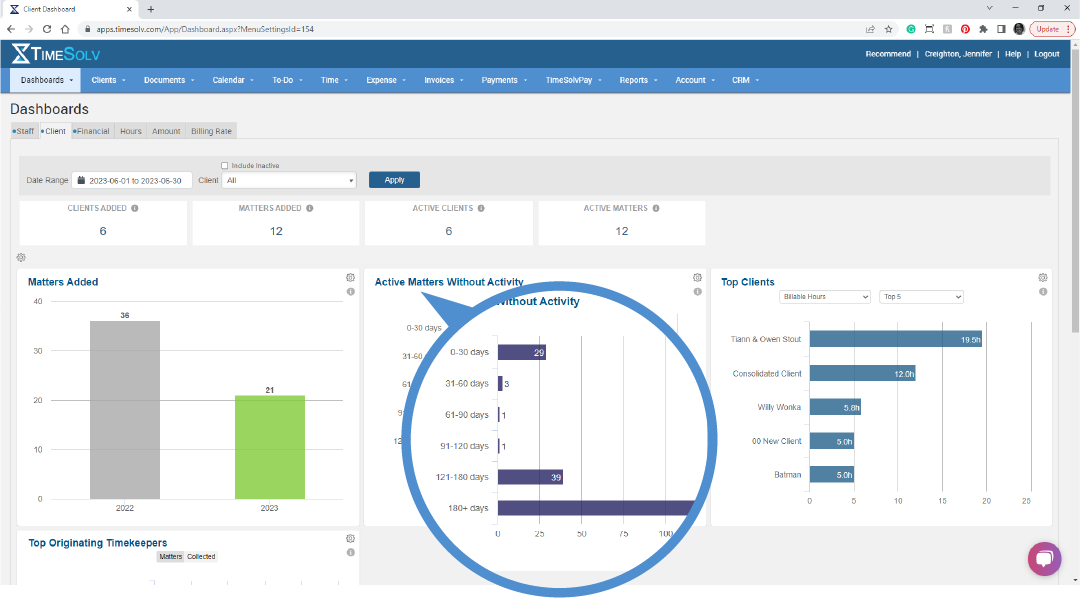
Your Central Hub for Powerful Insights
Convert Your Existing Data
Easily migrate your current & historic data to TimeSolv. We do all the work.

For Firms of All Sizes

I’m A Solo Firm
Nobody went to law school because they love tracking time. You want to practice law, we want to make that easier for you…

I’m a partner at my firm
As a partner at your firm, you have the important task of helping create the right infrastructure to ensure success…

I do all the billing
Invoicing done your way. Billing managers love TimeSolv because it allows them to easily create, edit and send invoices…